
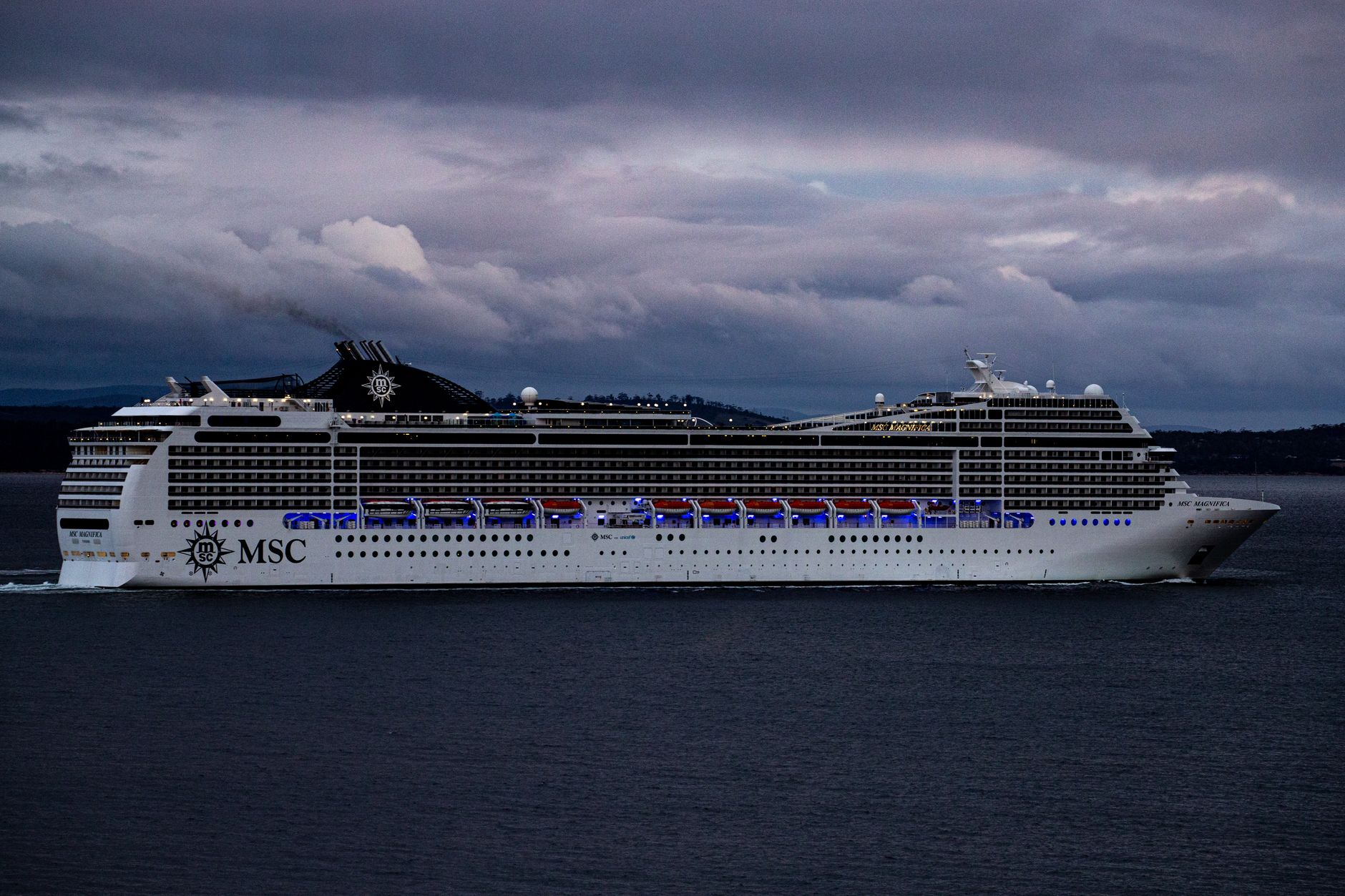
Staying connected while cruising can be a challenge. With beautiful views and serene settings, you might be tempted to unplug, yet staying in touch with family, friends, or work is increasingly important. Fortunately, there are several options for getting internet on a cruise.
This guide provides practical tips on how to access the internet while at sea. From understanding onboard connectivity offerings to mobile data options, you’ll find everything you need to ensure you stay connected during your cruise adventure.
How To Get Internet On A Cruise?
You can get internet on a cruise by utilizing the cruise line’s onboard internet service, using a mobile data plan, or accessing local Wi-Fi in port. Each option has its own advantages and considerations, ensuring that you can stay in touch throughout your sailing experience.
Understanding Cruise Line Internet Services
The majority of major cruise lines now offer internet services for passengers, although the quality and cost can vary significantly. Here’s what to consider:
- Types of Internet Plans: Most cruise lines have different packages to choose from, depending on your needs. These can range from basic browsing access to high-speed plans for streaming.
- Cost: Keep in mind that pricing for internet access can be higher than land-based options. Prices typically range from $10 to $30 per day, depending on the plan you select.
- Speed: Internet speeds vary, and during peak times, the service might slow down as many passengers use it simultaneously.
- Connection Availability: The service is generally only available while the ship is at sea and may be limited or non-existent when docked in certain ports.
Popular Cruise Line Internet Options
Here’s a quick overview of some major cruise lines and their internet offerings:
| Cruise Line | Plan Options | Price Range |
|---|---|---|
| Carnival Cruise Line | Standard and Premium options | From $10 per day |
| Royal Caribbean | Surf and Stream packages | From $12.99 to $19.99 per day |
| Norwegian Cruise Line | Basic and Premium packages | From $9.99 to $29.99 per day |
| Princess Cruises | Wi-Fi packages with daily or unlimited options | From $9.99 per day |
| Celebrity Cruises | Surf and Stream internet access | From $14.99 to $29.99 per day |
Purchasing Internet Packages
When purchasing an internet package, consider the following tips:
- Buy in Advance: Some cruise lines allow you to purchase internet packages prior to boarding at a discounted rate. This can be a good way to save money while ensuring you have access as soon as you board.
- Select the Right Plan: Choose a plan that fits your needs. If you need to check emails and send messages, a basic plan might suffice, while a streaming plan is better for watching shows.
- Examine Data Limits: Be aware of any data limits or caps on usage in your chosen plan. If you’ll be using a lot of data, opt for an unlimited plan if possible.
Setting Up Your Connection
After purchasing an internet package, follow these steps to connect:
- Connect to the ship’s Wi-Fi network, typically titled with the cruise line’s name.
- Open a web browser and follow the connection prompts.
- Log in using your cabin number and any necessary credentials.
- Start browsing or streaming!
Using Mobile Data While Cruising
Another way to stay connected is by using your mobile data. However, international data roaming can quickly add up, so it’s crucial to evaluate your options.
Verifying Your Mobile Plan
Before your cruise, check with your mobile service provider about international data roaming options:
- Roaming Packages: Some providers offer daily international roaming packages that provide a set amount of data for a flat fee.
- Data Rates: Be aware of your carrier’s standard rates for mobile data usage while at sea or in port.
Disabling Mobile Data When Not in Use
To avoid unexpected charges while on a cruise, consider these tips:
- Turn Off Automatic Updates: Disable automatic app updates and background data usage to save on data costs.
- Use Airplane Mode: When not using any data, keep your phone in airplane mode to prevent additional roaming charges.
Accessing Wi-Fi in Port
When your cruise ship docks, often you will have the opportunity to access Wi-Fi at various locations in port. Local cafes, restaurants, and libraries frequently provide free or low-cost Wi-Fi to customers. Here are some tips:
Finding Wi-Fi Hotspots
- Research Before You Go: Look up places in advance that are known for providing Wi-Fi. Many travel guides list hotspots available in popular port areas.
- Free Wi-Fi Apps: Consider downloading apps that map free Wi-Fi hotspots, which can help you locate available connections on shore.
- Consider Data Limitations: While convenient, free Wi-Fi might be slower and less secure than paid options, so avoid sensitive transactions unless absolutely necessary.
Staying Safe While Using Public Wi-Fi
When using public Wi-Fi, maintain security by:
- Using a VPN: A Virtual Private Network encrypts your internet connection, providing an extra layer of security.
- Avoiding Sensitive Transactions: Try not to conduct banking or sensitive transactions over public Wi-Fi.
Best Practices for Staying Connected
To maximize your internet experience while cruising, keep the following best practices in mind:
- Limit Streaming and Downloads: Streaming services and large downloads require significant bandwidth. Stick to essential browsing for a smoother experience.
- Schedule Online Time: Plan specific times to check emails or update social media to avoid frustration during peak hours.
- Share Wi-Fi Connection: If traveling with family or friends, consider sharing a single internet package to keep costs down.
Planning Your Connectivity Based on Itinerary
Understanding your itinerary can also help with connectivity planning.
- Days at Sea: Expect slower internet during sea days due to shared usage among passengers.
- In Port Connectivity: Make the most of opportunities in port to access potentially faster and cheaper internet.
Final Thoughts on Staying Connected at Sea
With the right planning and understanding of your cruise line’s internet options, staying connected while at sea can be manageable. Consider your needs, budget, and connectivity habits, and choose a plan that keeps you in touch without breaking the bank.
Ultimately, a cruise offers a fantastic opportunity to disconnect from everyday life while creating lasting memories. Finding the right balance between connectivity and relaxation is key to an enjoyable experience.
As you plan your next cruise, remember to review your options for internet access, mobile data, and in-port Wi-Fi. These tips will ensure that you can enjoy the best of both worlds on your travel adventure.
If you’re looking for more travel advice, check out our articles on bringing water on cruises and how cruises float to enhance your knowledge and preparation for your next voyage!